How to Edit a Chat Message You Sent
Maybe you sent a Chat message but then realized you sent incorrect information, or maybe you had a typo that you'd like to correct. In BrightArrow Revere, you can edit the message.*Note that any message can only be edited one time.
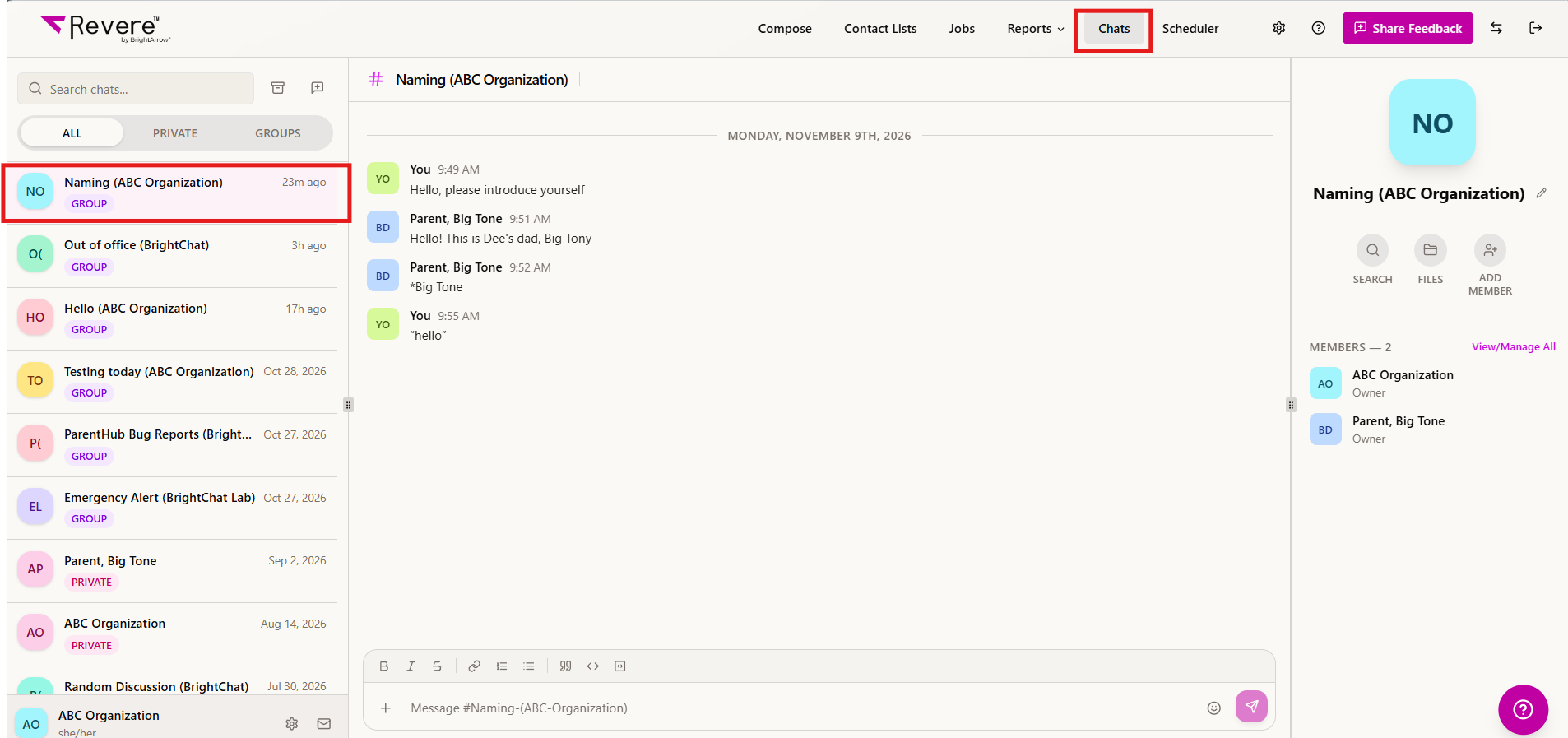
- In your Revere navigation panel, go to Chats.
- Find the Chat conversation you wish to review in the column on the left and click on it to reveal the conversation.
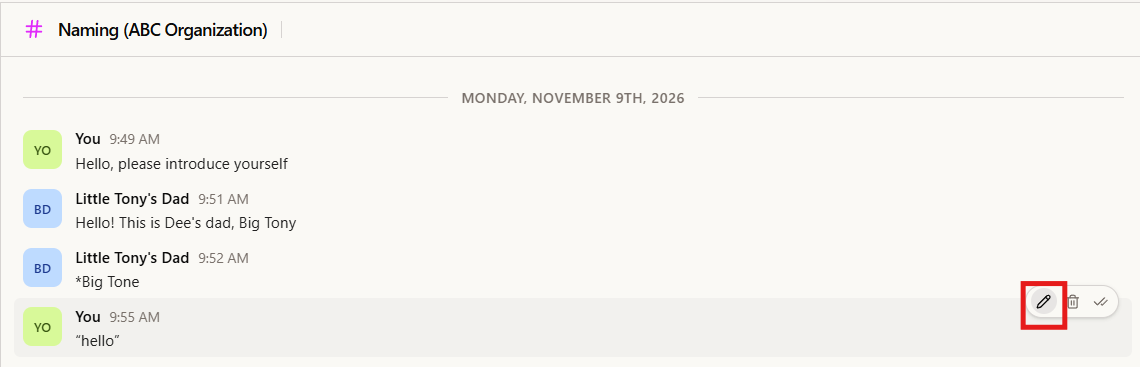
- In the conversation, hover over the specific message you sent that you would like to edit. Some icons will appear to the right of the message. Click on the edit pencil icon.
- Type in the box to update your message, then click "Save".
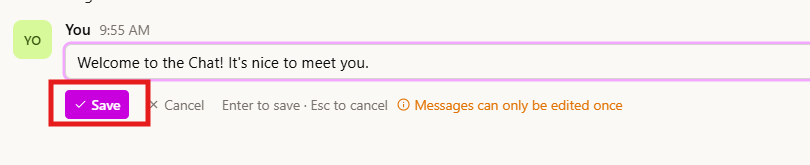
- Your message will now be updated for all members of the Chat conversation.
